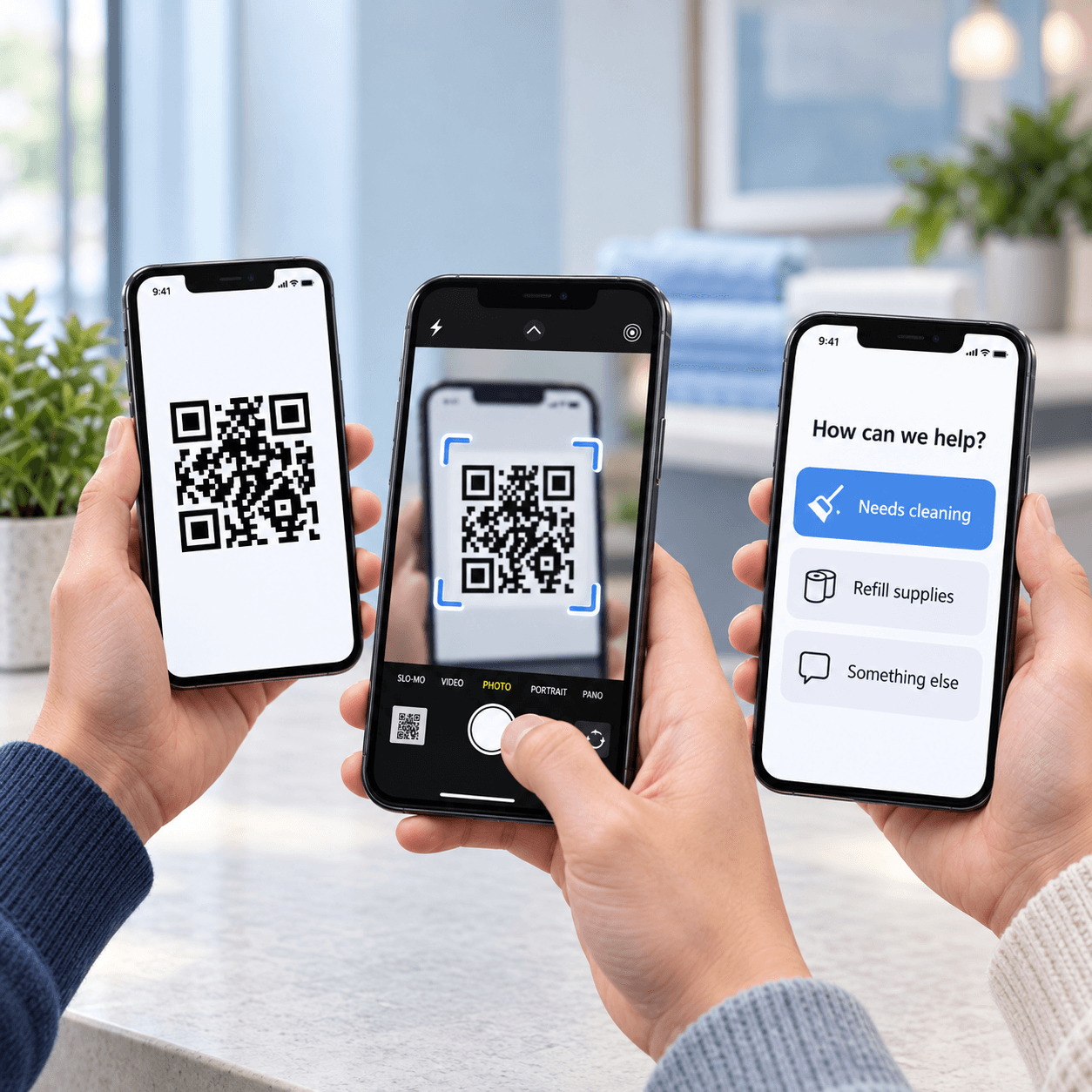
See how often people open your QR Notify form, alongside the responses they send. A scan and a submitted response are counted separately.
Lobby vending machine · help
September 7–13, 2026 · UTC
Sample data
Total QR scans
100
Across this sample week
Submitted responses
35
Messages and button selections
Busiest day
23 scans
Daily scans
QR scans
View scan counts
Daily scans · UTC
Date
Scans
2026-09-07
8
2026-09-08
12
2026-09-09
10
2026-09-10
16
2026-09-11
14
2026-09-12
23
2026-09-13
17
Scan history included: 7 days on Free, 90 days on Core, and 1 year on Growth.
See what people choose.
Use QR Notify buttons for a vote with friends, a quick restaurant rating, or a request for help. Add a message field so people can share more detail alongside their selection.
Fictional data · illustrative reports
Vote
A night out with friends
“Where should we go Friday?”
12sample votes
Pizza night6(50%)
Bowling3(25%)
Movie theater2(17%)
Mini golf1(8%)
Pizza night leads the vote.
Rating
The restaurant check-in
“How was your meal?”
4.6out of 5 · 50 ratings
5 stars34(68%)
4 stars12(24%)
3 stars3(6%)
2 stars1(2%)
1 star0(0%)
92% rated their meal 4 or 5 stars.
Help
Vending machine support
“What do you need help with?”
24sample requests
Item stuck12(50%)
Payment issue6(25%)
Sold out4(17%)
Machine offline2(8%)
A stuck item is the most reported issue.
Buttons for quick answers. Messages for context. QR Notify collects selections and written responses in Activity. These sample summaries use fictional data to illustrate votes, ratings, and help requests.
Keep the same QR in place when the season changes.
Your sign settings stay saved after coverage lapses, so a returning event or seasonal location can renew and keep using the same printout. Every active QR gets the same message, print, and inbox tools.