QR Notify
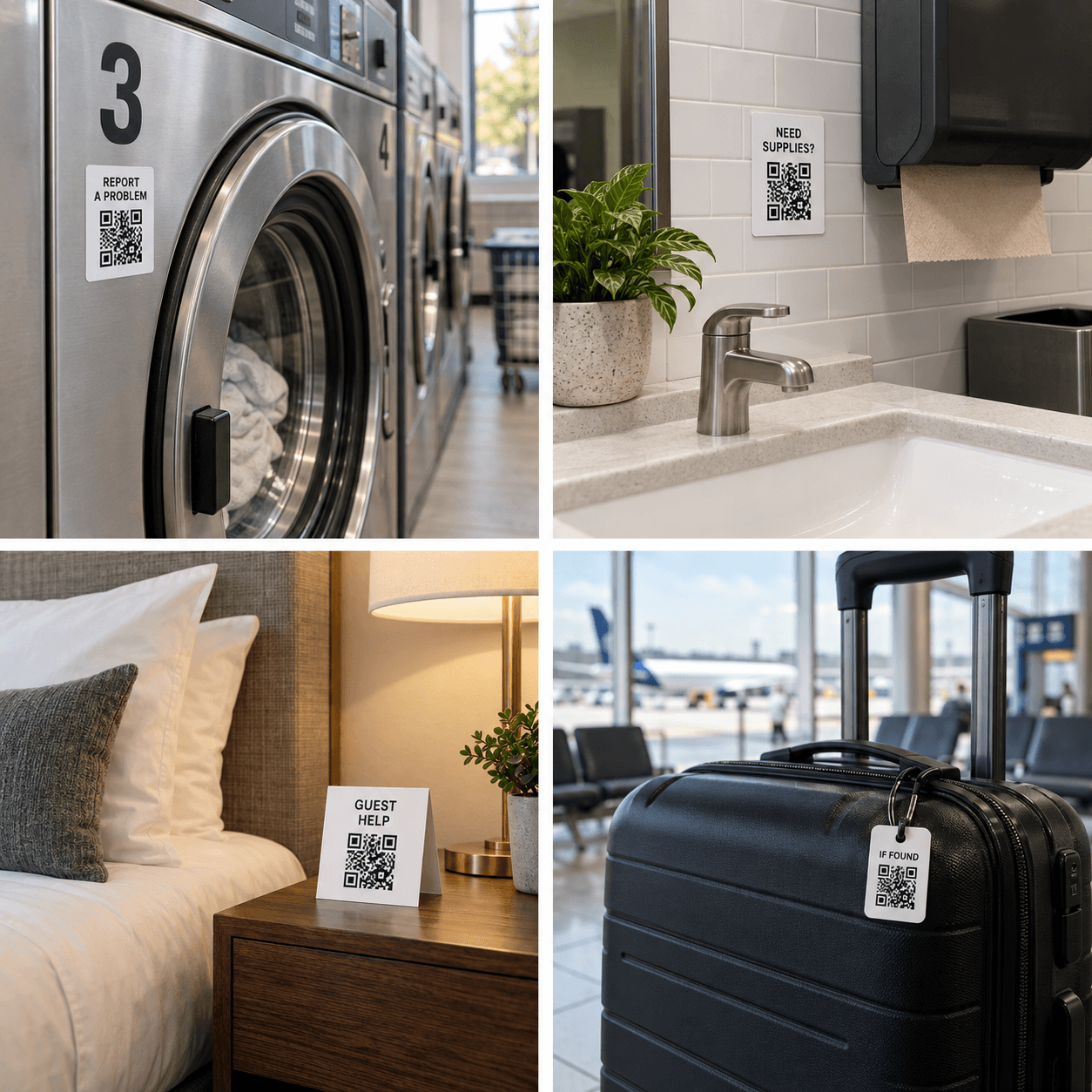
QR Notify brings the message to you. Put a code on a restroom, a vending machine, a rental unit, or a lost bag. People scan, tap, and send. Get messages in your private inbox, with optional email or SMS QR notifications. Your phone number never appears on the sign.
A quick scan. A simple tap. You’re notified. From “something needs attention” to knowing exactly where to help.
NEED A HAND? Scan to let us know Open QR Notify 01 They scan your QR Someone sees your QR Notify code and scans it with their phone camera.
RESTROOM · FLOOR 1 How can we help? Needs cleaning Refill soap Something else 02 They tap a response They choose a response button and send it. No app or account needed.
Your phone 9:41 QR NOTIFY now Refill soap Restroom · Floor 1 03 You get a notification Their response reaches your private inbox, with optional email or SMS QR notifications sent to registered contacts.
Put a private contact point where it matters. The strongest uses give each place or item its own context, so a visitor can report the right problem without searching for a phone number.
Personal
Useful in everyday life Lost items and luggage Let a finder contact you without printing your personal phone number on the item. Pet and vehicle contact Receive a private message when someone finds a pet or notices a problem with a bicycle, trailer, boat, or car. Guest and event help Give visitors one simple place to ask a question, request assistance, or report an issue. Business
Practical at work Equipment problems Identify the exact washer, vending machine, kiosk, tool, or other asset that needs attention. Cleaning and supplies Collect restroom, housekeeping, damage, and refill requests from the place where they are noticed. Property and guest service Receive contextual maintenance and assistance requests from rooms, apartments, offices, and shared spaces.
Easy for visitors. Organized for you. Ready to place
Customize QR Notify for your space. Customize the message, then download a full Letter page, two half sheets, A4, or a QR-only PNG for your own layout.
Private by default
Keep your personal number off the sign. Visitors open a simple message form. Your saved alert number stays out of the QR, public page, and visitor experience.
One private inbox
See the full message and what it belongs to. Review messages by QR, mark them read or resolved, and export a CSV when you need a record outside the app.
See an example of responses See what needs attention. See the visitor form and its matching report together. Every answer stays connected to the QR Notify code it came from.
Fictional data · illustrative reports Vending machine support “What do you need help with?”
24 requests
Item stuck 12 (50%)
Payment issue 6 (25%)
Sold out 4 (17%)
Machine offline 2 (8%)
A stuck item is the most reported issue.
Buttons for quick answers. Messages for context. QR Notify collects selections and written responses in Activity.
View more examples Create your first QR Notify