
When someone scans your QR and opens its link, the visit appears in the scan history on your QR Link detail page.
30 days of history on Free, 1 year on Personal, and unlimited history on Team and Business.
View a sample scan historyQR Link
Share your website, or build a page when you have nothing to link to. Download a direct QR for free, or save a tracked link with an editable destination and scan history.
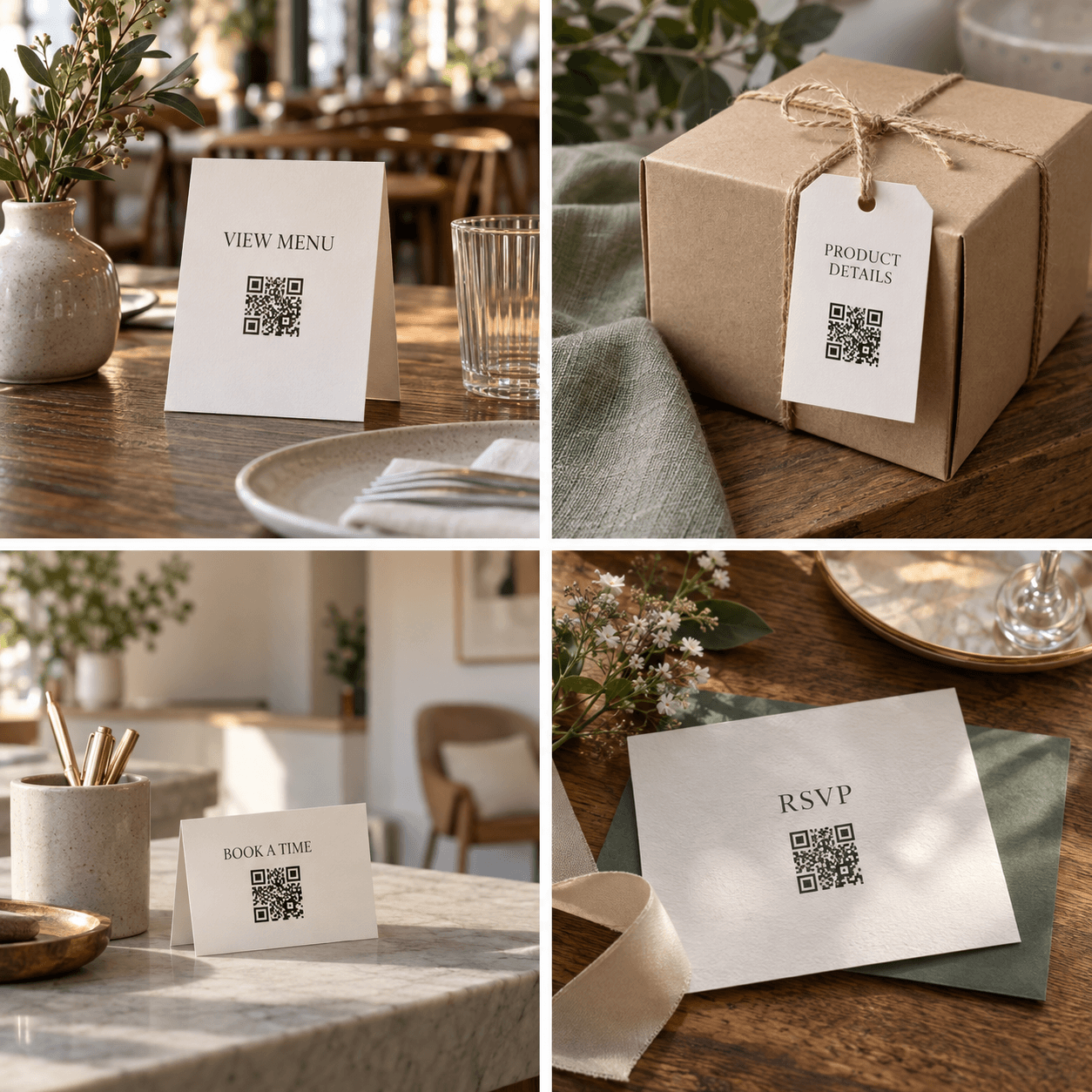
Turn a destination online into something people can open from anywhere.
Paste an existing URL, or choose a hosted page and add your content. Use a tracked link for scan history and an editable URL destination.
Choose a color, create your QR, and download an SVG or high-resolution PNG for your design.
Place your QR on a menu, flyer, or business card. A phone camera takes people straight to your destination.
No website? Start here.
Add text and links, show images, and offer files to download.
Use it for a garage sale, a food truck menu, a band flyer or a conference badge. Share the essentials without building a whole website.
Available on every plan. Each saved hosted page uses one hosted-page allowance.
Books, plants and a few things ready for a new home. Come by on Saturday morning.

Bring a bag and take your time. The sale list has photos and details of the larger items.
Traffic report
Every visit through its QR appears in the same basic traffic report as a tracked QR Link.
Sep 7–13, 2026 · Pacific Time
| Date | Scans |
|---|---|
| Sep 7, 2026 | 11 |
| Sep 8, 2026 | 19 |
| Sep 9, 2026 | 28 |
| Sep 10, 2026 | 45 |
| Sep 11, 2026 | 71 |
| Sep 12, 2026 | 96 |
| Sep 13, 2026 | 54 |
Turn on Track links to see scan history, update your destination, and choose whether to receive an email when someone opens your QR.
When someone scans your QR and opens its link, the visit appears in the scan history on your QR Link detail page.
30 days of history on Free, 1 year on Personal, and unlimited history on Team and Business.
View a sample scan historyEvery plan includes email notifications when your tracked QR is scanned. Turn on scan QR notifications and choose the address that should receive them.
Confirm your notification email before alerts begin. You can turn scan QR notifications off at any time.
A tracked QR uses a QR LUV redirect, so you can update its destination without reprinting. Keep your account open, your link active and any paid subscription current so that it remains available.
A QR generated in direct mode contains your destination URL. It needs no account to work, but its destination cannot be edited after printing.
See when people open your tracked QR link and which days bring the most activity. Here’s how a week of visits to a café menu could look.
Sep 7–13, 2026 · Pacific Time
| Date | Scans |
|---|---|
| Sep 7, 2026 | 18 |
| Sep 8, 2026 | 26 |
| Sep 9, 2026 | 21 |
| Sep 10, 2026 | 34 |
| Sep 11, 2026 | 47 |
| Sep 12, 2026 | 62 |
| Sep 13, 2026 | 44 |
30 days of history on Free, 1 year on Personal, and unlimited history on Team and Business.
Connect something physical to an existing website or to a page you build here.
Match a flyer, sign, or brand palette. A white background and generous quiet zone help keep the result easy to scan.
Use scalable SVG for print and layout tools, or download a large PNG for documents, slides, and social posts.
A direct QR download contains the URL you enter and works without an account while that destination is available. Tracked links use a QR LUV redirect and follow your account and subscription status.